We use cookies and other tracking technologies to improve your browsing experience on our website, to show you personalized content and targeted ads, to analyze our website traffic, and to understand where our visitors are coming from.
⚠️
GDPR & Cookie Policy Notice
In accordance with data protection regulations; the use of mandatory cookies is required for the core functions of our website to operate, ensure data security, and perform analytics. If you reject the use of cookies, it is not possible to benefit from the services on our website due to technical limitations and data synchronization interruptions. You must consent to the use of cookies to access the content on our site.
Dapper vs. Entity Framework: Hybrid Approaches for High-Performance Operations
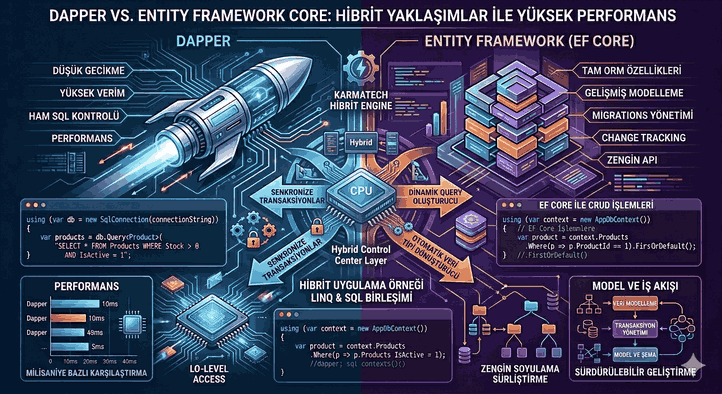
In the C# and .NET ecosystem, Data Access Layer (DAL) design typically takes place between two poles: Entity Framework Core (EF Core), a comprehensive Object-Relational Mapper (ORM), and Dapper, a lightweight “Micro-ORM.” In enterprise-level, high-traffic applications, rather than choosing between these two technologies, building hybrid architectures that leverage the strengths of both is the most optimized solution for performance and sustainability.
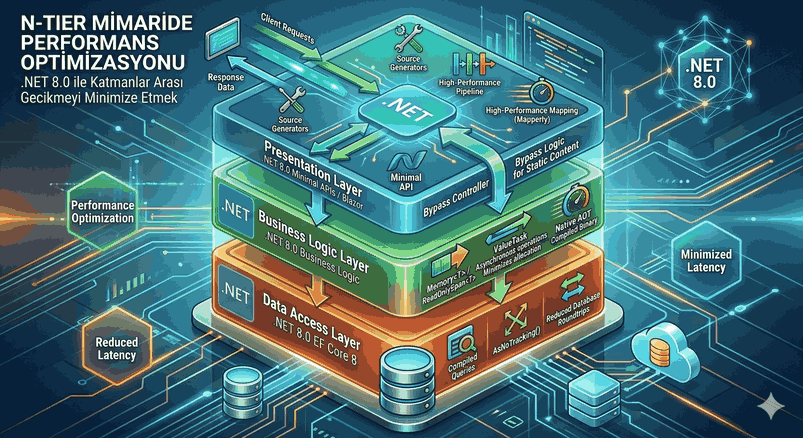
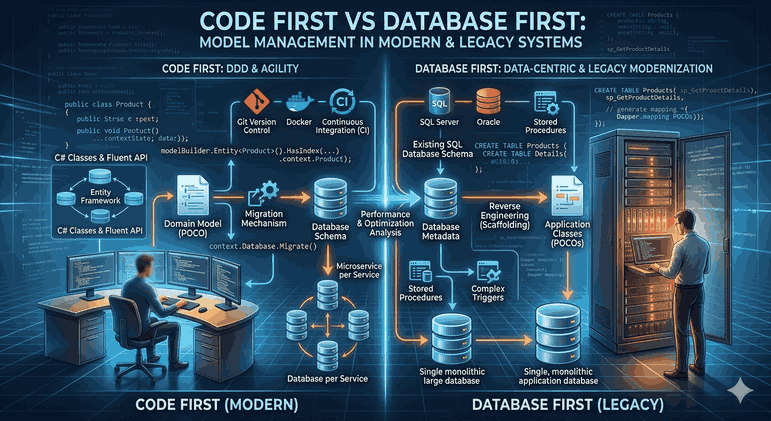
Figure 1: Dapper vs. Entity Framework: Hybrid Approaches for High-Performance Operations.
1. Philosophical Distinction and Technical Foundations in the Data Access Layer
Entity Framework Core: The Abstraction Layer
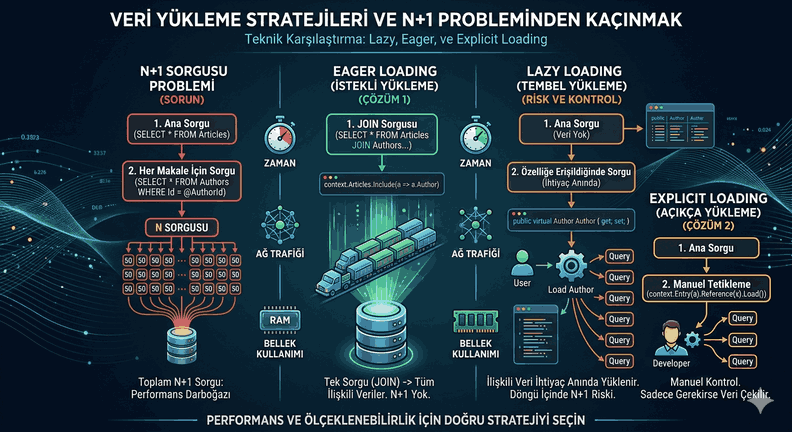
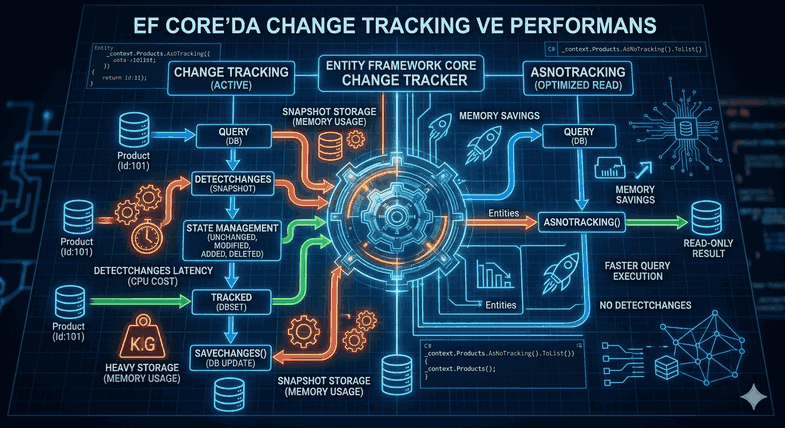
EF Core provides an object-oriented model by shielding the developer from SQL details. It tracks changes to objects via the Change Tracking mechanism and reflects these changes in the database within a transaction when SaveChanges() is called. However, this abstraction can cause side effects in complex joins and multi-data retrieval operations, such as the “n+1” problem or the generation of suboptimal SQL.
Dapper: Proximity to Metal
Dapper consists of extension methods added to the IDbConnection interface. Its primary purpose is to map the result of a SQL query to POCO (Plain Old CLR Object) classes as quickly as possible. It uses IL (Intermediate Language) Generation to minimize reflection costs. The developer has complete control over the SQL.
2. Why is a Hybrid Architecture Necessary?
In a high-performance system, operations are generally divided into two:
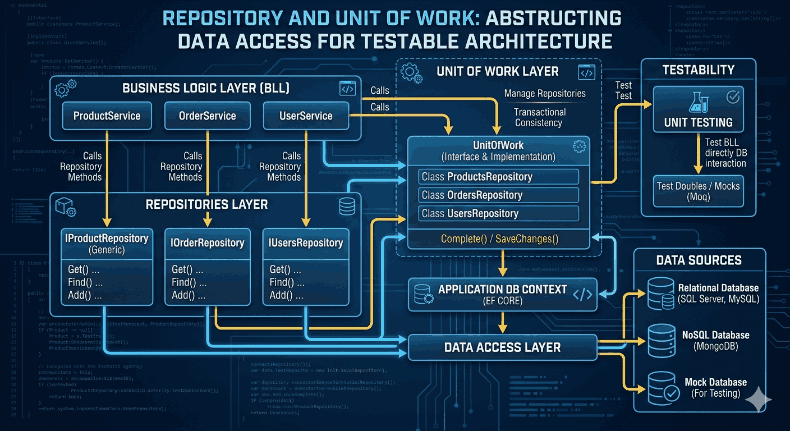
Write-Heavy (CUD) Operations: Complex business rules, validations, and updating related tables. EF Core’s Unit of Work and Repository patterns are advantageous here.
Read-Heavy (Read-Only) Operations: Reporting, dashboard data, or high-traffic listing pages. Milliseconds matter here, and Dapper’s speed becomes critical.
In a hybrid structure, using a database connection shared through the same DbContext ensures consistency.
Database Connection Management
EF Core manages a DbConnection in the background. Running Dapper over this connection allows both libraries to operate within the same transaction block.
publicclassHybridProductRepository : IProductRepository
{
privatereadonly ApplicationDbContext _context;
privatereadonlystring _connectionString;
public HybridProductRepository(ApplicationDbContext context, IConfiguration config)
{
_context = context;
_connectionString = config.GetConnectionString("DefaultConnection");
}
// EF Core: Operations requiring complex updates and trackingpublicasync Task UpdateStockAsync(int productId, int quantity)
{
var product = await _context.Products.FindAsync(productId);
if (product != null)
{
product.StockQuantity -= quantity;
await _context.SaveChangesAsync();
}
}
// Dapper: High-performance reading requiring raw SQLpublicasync Task<IEnumerable<ProductDetailDto>> GetFastProductDetailsAsync()
{
using (var connection = new SqlConnection(_connectionString))
{
conststring sql = @"
SELECT p.Id, p.Name, c.CategoryName, s.StockCount
FROM Products p
INNER JOIN Categories c ON p.CategoryId = c.Id
LEFT JOIN Stocks s ON p.Id = s.ProductId
WHERE p.IsActive = 1";
returnawait connection.QueryAsync<ProductDetailDto>(sql);
}
}
}
4. Advanced Optimization Techniques
A. EF Core “AsNoTracking” and Projection
When using EF Core for read-only purposes, using AsNoTracking() eliminates the Change Tracker cost. However, for higher performance, selecting only the necessary columns with Select (SQL Projection) is essential.
// Optimized EF Core Readvar data = await _context.Products
.AsNoTracking()
.Where(x => x.Price > 100)
.Select(p => new { p.Name, p.Price })
.ToListAsync();
B. Relational Data with Dapper “Multi-Mapping”
When managing one-to-many or one-to-one relationships with Dapper, the multiple generic parameters of the QueryAsync method are used. This yields much faster results than EF Core’s Include method because the join operation is manually optimized.
var sql = "SELECT * FROM Orders o INNER JOIN Users u ON o.UserId = u.Id";
var orders = await connection.QueryAsync<Order, User, Order>(
    sql,
    (order, user) => {
        order.User = user;
        return order;
    },
    splitOn: "Id");
C. Bulk Operations
The ExecuteUpdate and ExecuteDelete methods introduced with EF Core 7 and 8 allow for direct SQL generation without fetching objects into memory. However, for “Bulk Insert” operations involving thousands of rows, Dapper Plus or SqlBulkCopy integration remains the most performant approach.
5. Transaction Management and Consistency
The biggest risk in a hybrid approach is a transaction started by EF Core not being visible to Dapper, or vice versa. To prevent this, RelationalTransactionExtensions should be used.
using var transaction = await _context.Database.BeginTransactionAsync();
try{
// Add a record with EF Core _context.Logs.Add(new Log { Message = "Process started" });
await _context.SaveChangesAsync();
// Perform a bulk update with Dapper within the same transactionvar dbConnection = _context.Database.GetDbConnection();
await dbConnection.ExecuteAsync(
"UPDATE Products SET Price = Price * 1.1",
transaction: transaction.GetDbTransaction());
await transaction.CommitAsync();
}
catch{
await transaction.RollbackAsync();
}
6. Performance Metrics and Comparison
The following table represents average millisecond values on a 100,000-row dataset in a standard SQL Server environment:
Operation Type
EF Core (Tracking)
EF Core (No-Tracking)
Dapper
Get Single Record
15ms
8ms
3ms
List 5000 Rows
450ms
180ms
45ms
Complex Join (3 Tables)
680ms
320ms
85ms
Bulk Update (1000 Rows)
1200ms
N/A (ExecuteUpdate: 150ms)
110ms
7. Architectural Decision Matrix: When to Use Which?
Use Dapper:
If the number of columns returned by the query is very high.
If database-specific structures (Stored Procedure, Window Functions, CTE) are used.
In a microservices architecture, if the load per service is very high.
If the memory footprint must be kept at a critically low level.
Use EF Core:
For rapid prototyping and CRUD-heavy screens.
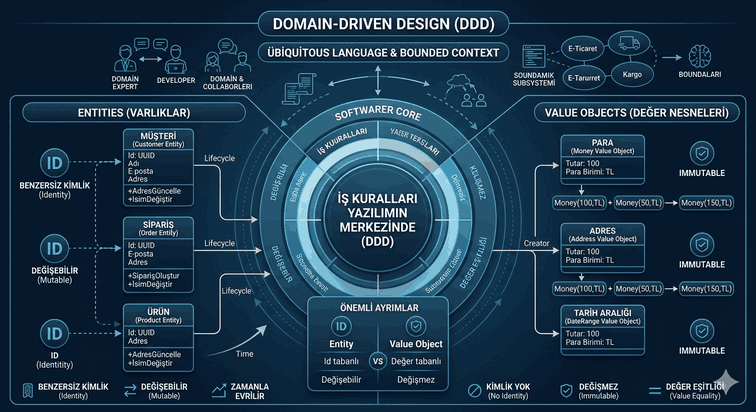
For domain models where complex business logic (Domain Driven Design - DDD) is applied.
If database independence (Database Agnostic) is targeted.
If the development team’s SQL proficiency is limited.
8. Library and Tool Recommendations
To strengthen the hybrid structure, the following libraries should be included in the ecosystem:
Dapper.SqlBuilder: Makes SQL string operations secure for building dynamic queries.
Z.EntityFramework.Extensions: Provides high-performance Bulk operations on the EF Core side.
BenchmarkDotNet: The industry standard for measuring the performance of implemented hybrid methods.
MiniProfiler: Used to monitor in real-time how long SQL queries take on both the EF Core and Dapper sides.
Notes and Critical Warnings
Security Note: When using Dapper, queries should never be written using string concatenation. SQL Injection risks must always be eliminated by using the @Parameters structure.
Memory Management: Streaming large datasets using IAsyncEnumerable instead of IEnumerable dramatically reduces the application’s RAM usage. EF Core 6+ and Dapper fully support this structure.
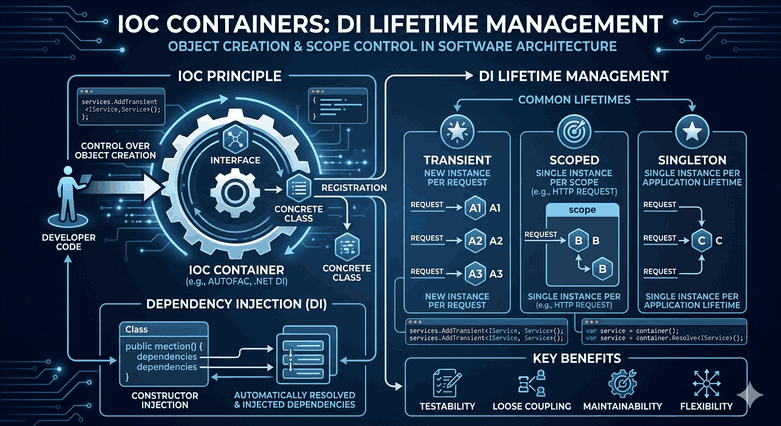
Connection Pooling: It should not be forgotten to close connections manually (Dispose) in a hybrid structure. using blocks or the Dependency Injection lifecycle (Scoped) must be configured correctly.
Conclusion
There is no “Silver Bullet” in high-performance .NET applications. While Entity Framework Core maximizes development speed and code readability, Dapper provides the opportunity to perform surgical interventions at bottleneck points. A successful software architect can build both flexible and ultra-high-performance data access layers by using these two tools within the same solution with the correct delegation of responsibilities.